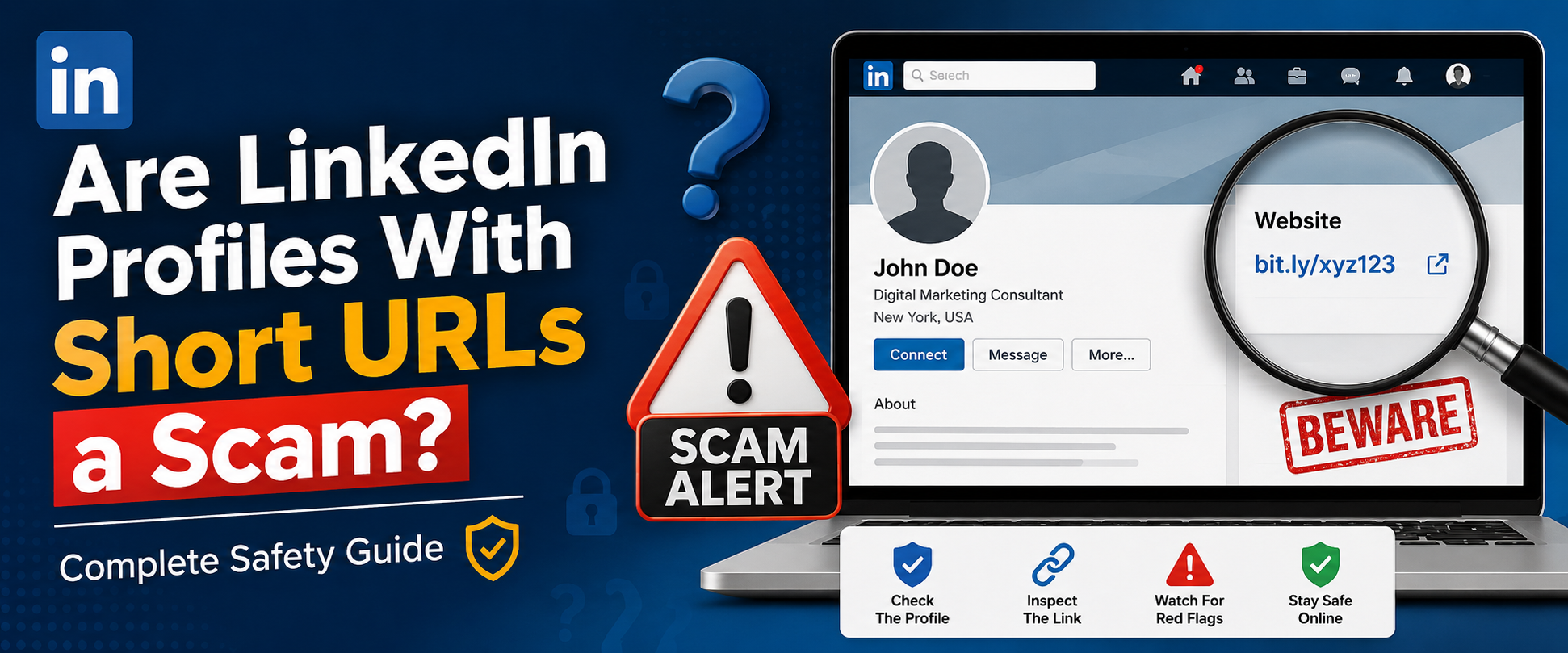

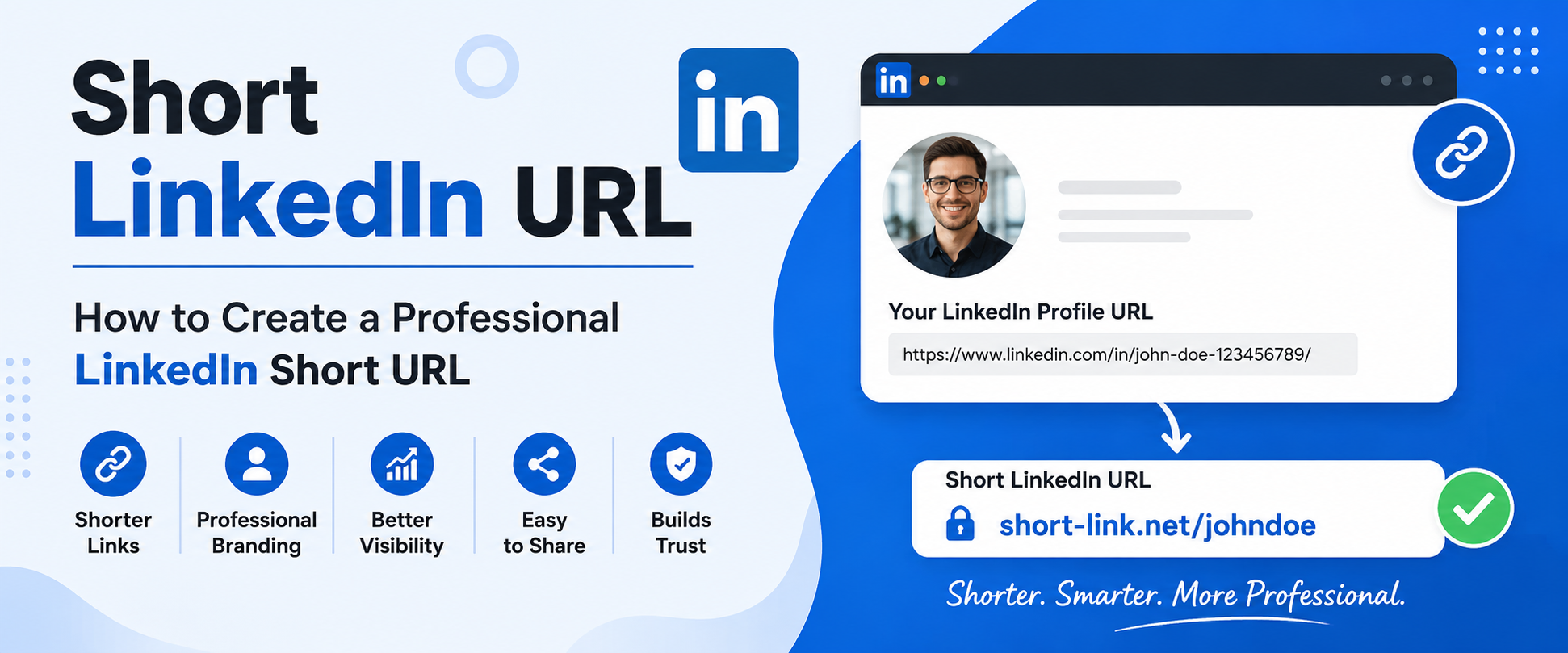
A short LinkedIn URL helps make your profile look more professional, easier to share, and more memorable. Whether you are a job seeker, freelancer, business owner, marketer, or student, having a clean and customized LinkedIn URL can improve your online presence significantly.
Many people use long and messy LinkedIn profile links that include random numbers and letters. These links are difficult to remember and do not look professional on resumes, business cards, email signatures, portfolios, or social media bios.
In this complete guide, you will learn:
- What a LinkedIn short URL is
- Why a shorter LinkedIn URL matters
- How to shorten LinkedIn URL step by step
- How to create a short LinkedIn URL using URL shorteners
- Best practices for LinkedIn URL customization
- SEO benefits of a short LinkedIn URL
- Common mistakes to avoid
- Tips to make your LinkedIn profile stand out
You can also create and manage clean professional short links using Short Link Net.
What Is a Short LinkedIn URL?
A short LinkedIn URL is a customized or shortened version of your LinkedIn profile link.
Default LinkedIn URLs often look like this:
https://www.linkedin.com/in/john-smith-847392847/A customized or shorter LinkedIn URL looks cleaner:
https://www.linkedin.com/in/johnsmithYou can also create a branded short URL using a URL shortening service:
https://short-link.net/johnlinkedinThis makes your profile easier to share online and offline.
Why You Should Use a Short LinkedIn URL
1. Looks Professional
A cleaner URL creates a stronger first impression. Recruiters and clients notice attention to detail.
Example:
Bad:
linkedin.com/in/mark-johnson-4839209384Better:
linkedin.com/in/markjohnsonBest:
short-link.net/mark2. Easier to Share
A shorter LinkedIn URL is easier to:
- Add to resumes
- Share on social media
- Include in email signatures
- Print on business cards
- Send in messages
3. Better Personal Branding
Your LinkedIn profile is part of your online identity. A custom URL helps strengthen your brand.
People remember simple URLs more easily.
4. Improved Trust
Professional URLs appear more trustworthy than long links with random characters.
5. Better Mobile Experience
Short links are easier to copy, type, and share on mobile devices.
How to Shorten LinkedIn URL
If you want to know how to shorten LinkedIn URL, follow these steps.
Step 1: Open LinkedIn Profile Settings
- Log into LinkedIn
- Click your profile picture
- Open “View Profile”
- Click “Edit Public Profile & URL”
Step 2: Edit Your LinkedIn URL
On the right side, you will see:
Edit your custom URLClick the edit icon.
Step 3: Create a Clean Username
Choose a simple and professional username.
Good examples:
- johnsmith
- emilybrown
- davidmarketing
- sarahdesigns
Avoid:
- random numbers
- unnecessary symbols
- difficult spellings
Step 4: Save Changes
After saving, your LinkedIn short URL becomes active immediately.
How to Create a Short LinkedIn URL Using a URL Shortener
You can make your LinkedIn profile even shorter using Short Link Net.
Steps
- Copy your LinkedIn profile URL
- Visit Short Link Net
- Paste your LinkedIn URL
- Create a custom alias
- Generate your short link
Example:
https://short-link.net/johnprofileThis is perfect for:
- resumes
- Instagram bios
- portfolios
- YouTube descriptions
- business cards
Benefits of Using a URL Shortener for LinkedIn
Cleaner Appearance
Short URLs look modern and professional.
Easy Tracking
Many URL shorteners provide analytics including:
- clicks
- locations
- devices
- referral sources
Better Branding
Branded short links increase recognition and trust.
Easier Marketing
Perfect for:
- campaigns
- networking
- QR codes
- email marketing
LinkedIn Short URL Best Practices
Use Your Real Name
Your real name builds trust and professionalism.
Example:
linkedin.com/in/jameswilsonKeep It Short
Shorter URLs are easier to remember.
Avoid Extra Characters
Do not add unnecessary:
- numbers
- underscores
- symbols
Bad:
john_smith_2025_officialGood:
johnsmithStay Consistent Across Platforms
Use the same username on:
- portfolio websites
- personal domains
Consistency improves branding.
Use Keywords Carefully
If your name is unavailable, add a professional keyword.
Example:
- alexseo
- emilydesigner
- daviddeveloper
How to Get Short LinkedIn URL for Resume
A shorter LinkedIn URL looks much cleaner on resumes.
Example:
Instead of:
linkedin.com/in/jennifer-thomas-9823849234Use:
linkedin.com/in/jenniferthomasOr:
short-link.net/jenniferRecruiters appreciate clean formatting.
Short URL for LinkedIn Business Profiles
Businesses can also use short LinkedIn URLs for:
- company pages
- marketing campaigns
- social promotions
- networking
Branded URLs increase professionalism.
LinkedIn URL SEO Benefits
Many users do not realize that LinkedIn URLs can help with SEO.
Better Search Visibility
A custom LinkedIn URL can improve visibility in search engines.
Easier Indexing
Simple URLs are easier for search engines to understand.
Improved Click-Through Rate
Clean links encourage more clicks.
Stronger Personal Brand SEO
When people search your name, your LinkedIn profile may rank higher.
Common Mistakes When Creating LinkedIn Short URL
Using Random Numbers
Avoid:
linkedin.com/in/mike8473829Making URLs Too Long
Long usernames reduce readability.
Using Nicknames
Professional branding works better with real names.
Frequent URL Changes
Changing URLs often can confuse recruiters and break old links.
LinkedIn Short URL Examples
Personal Branding
linkedin.com/in/johnsmithFreelancer
linkedin.com/in/alexdesignerDeveloper
linkedin.com/in/jamesdeveloperBusiness
short-link.net/companynameHow to Share LinkedIn Short URL
You can share your short LinkedIn URL in:
- resumes
- portfolios
- social media bios
- business cards
- presentations
- emails
- QR codes
Create Short LinkedIn URL for QR Codes
Short URLs work better with QR codes because:
- cleaner QR design
- easier scanning
- fewer errors
This is useful for:
- networking events
- conferences
- business cards
Mobile-Friendly LinkedIn Short URLs
Mobile users prefer shorter URLs because they are:
- easier to tap
- easier to share
- visually cleaner
Short links improve user experience.
Why Recruiters Prefer Clean LinkedIn URLs
Recruiters often review hundreds of profiles daily.
A professional LinkedIn short URL helps you:
- stand out
- appear organized
- improve credibility
Small details matter in professional networking.
LinkedIn Short URL for Freelancers
Freelancers can use short URLs to promote services more effectively.
Example uses:
- Fiverr profile
- Upwork proposals
- email signatures
- portfolio pages
LinkedIn Short URL for Students
Students can improve professional appearance with custom LinkedIn URLs.
Good student URL examples:
linkedin.com/in/emilyjohnsonlinkedin.com/in/davidcsLinkedIn Short URL for Creators and Influencers
Creators often share LinkedIn links in:
- YouTube descriptions
- TikTok bios
- Instagram profiles
Short URLs save space and improve aesthetics.
Security Tips for LinkedIn URLs
Avoid Sharing Sensitive Information
Never include:
- phone numbers
- birth dates
- private details
Use Trusted URL Shorteners
Always use reliable platforms like Short Link Net.
Monitor Link Analytics
Track suspicious activity if analytics are available.
Frequently Asked Questions
What is a LinkedIn short URL?
A LinkedIn short URL is a customized or shortened version of your LinkedIn profile link.
How do I shorten my LinkedIn URL?
You can edit your LinkedIn public profile URL directly in LinkedIn settings.
Can I create a branded LinkedIn URL?
Yes. Use URL shortening services like Short Link Net to create branded links.
Why should I use a shorter LinkedIn URL?
Shorter URLs are:
- easier to share
- more professional
- better for branding
Is a LinkedIn short URL good for SEO?
Yes. Clean URLs may improve visibility and click-through rates.
Can I change my LinkedIn URL later?
Yes, LinkedIn allows profile URL changes.
Final Thoughts
Creating a short LinkedIn URL is one of the easiest ways to improve your professional online presence. A cleaner URL makes your profile more memorable, easier to share, and more trustworthy.
Whether you are:
- job hunting
- freelancing
- networking
- building a personal brand
- marketing your business
a professional LinkedIn short URL can make a significant difference.
You can easily create branded and trackable LinkedIn links using Short Link
Start optimizing your LinkedIn profile today and build a stronger professional identity online.