

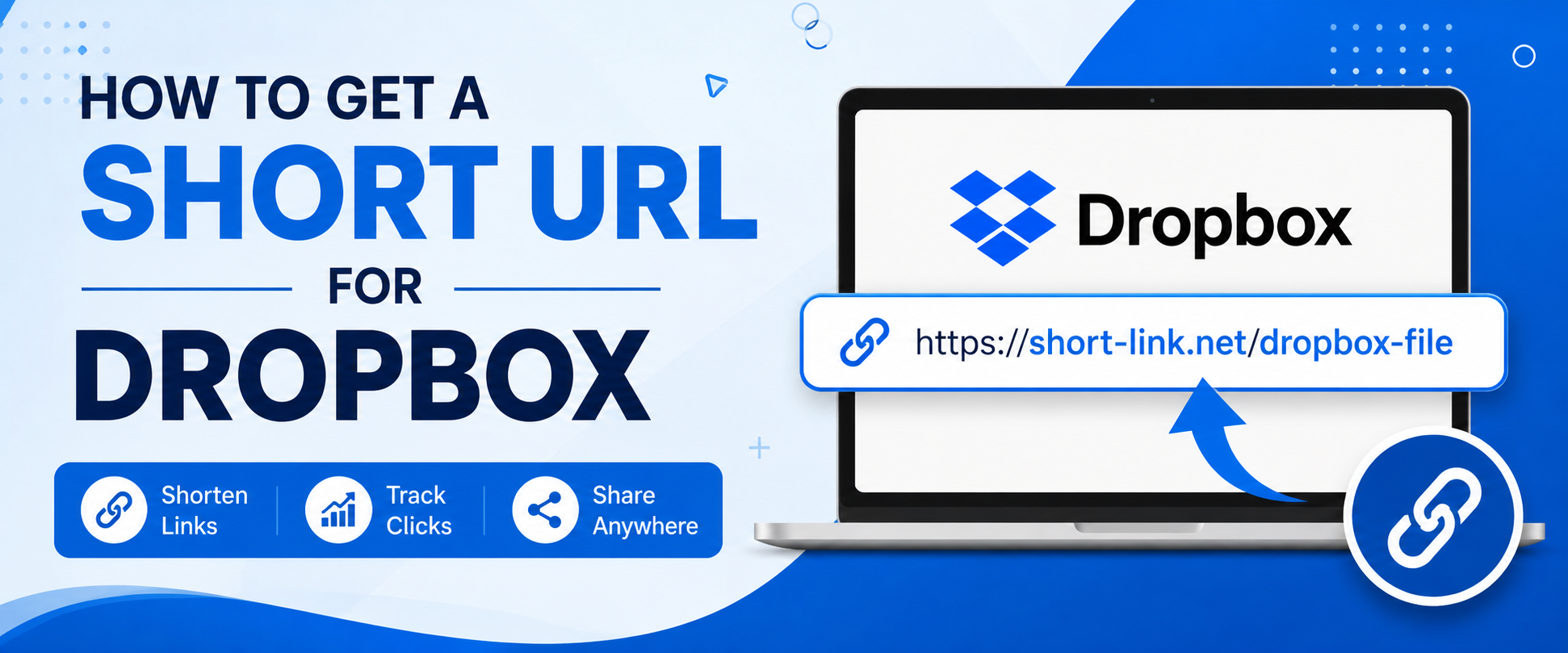
If you regularly share Dropbox files or folders, long and messy links can look unprofessional and difficult to remember. That’s why many users search for a Dropbox short URL solution. Whether you are sharing documents, videos, photos, portfolios, or business files, a shorter Dropbox link makes sharing cleaner, faster, and more trustworthy.
In this complete guide, you will learn how to create a short URL for Dropbox, the benefits of using short links, the best methods available, SEO tips, branding ideas, and security practices.
What Is a Dropbox Short URL?
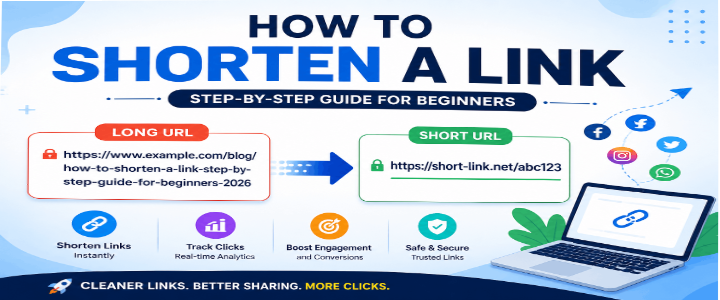
A Dropbox short URL is a shortened version of a Dropbox sharing link. Instead of sharing a long URL filled with random characters, you use a compact and easy-to-share link.
Example:
Original Dropbox Link:
https://www.dropbox.com/scl/fi/8hd73hs72hsh/sample-file.pdf?rlkey=8272hshs8s8Shortened Dropbox URL:
https://short-link.net/dropbox-guideShort links are easier to:
- Share on social media
- Send through email
- Add to presentations
- Include in YouTube descriptions
- Print on business cards
- Use in marketing campaigns
Why Use a Short URL for Dropbox?
There are many reasons people prefer a short URL Dropbox solution.
1. Cleaner Appearance
Long Dropbox links often look cluttered. A short link looks more professional.
2. Better User Experience
Users are more likely to click a clean short link than a complicated URL.
3. Easy Sharing
Short URLs are perfect for WhatsApp, SMS, Telegram, Instagram bio links, and QR codes.
4. Link Tracking
Many URL shorteners provide analytics such as:
- Click count
- Device type
- Visitor country
- Referral source
5. Branding Opportunities
Custom short links help businesses improve branding.
Example:
short-link.net/myportfolioinstead of random characters.
How Dropbox Sharing Links Work
Dropbox allows users to create public sharing links for:
- Files
- Folders
- Documents
- Videos
- Images
- PDFs
When you generate a shareable link inside Dropbox, anyone with the link can access the content depending on permissions.
However, Dropbox does not automatically create very short links. That is where URL shorteners help.
How to Create a Short URL for Dropbox
Follow these simple steps.
Step 1: Upload Your File to Dropbox
Go to Dropbox Official Website and upload your file.
You can upload:
- PDFs
- ZIP files
- Videos
- Images
- Documents
- Audio files
Step 2: Generate a Shareable Dropbox Link
After uploading:
- Right-click the file
- Select “Share”
- Click “Copy Link”
Now you have your original Dropbox sharing URL.
Step 3: Visit a URL Shortener
Use a trusted short link tool such as:
- Short Link
- Bitly
- TinyURL
- Rebrandly
Paste your Dropbox link into the tool.
Step 4: Customize Your Short URL
Most modern shorteners allow custom aliases.
Example:
short-link.net/project-filesinstead of:
short-link.net/7x8a2kCustom URLs improve trust and branding.
Step 5: Generate and Share
Click the create button.
Your Dropbox short URL is ready to share anywhere.
Best Practices for Dropbox Short URLs
Keep URLs Relevant
Use descriptive words.
Good:
short-link.net/design-portfolioBad:
short-link.net/x92ksAvoid Spammy Terms
Avoid misleading keywords or excessive symbols.
Use HTTPS Links
Secure links improve trust and security.
Monitor Link Analytics
Track engagement to understand audience behavior.
Benefits of Using Short Links for Dropbox Files
Improved Social Sharing
Platforms like Twitter, Instagram, and LinkedIn favor shorter URLs.
Better Email Appearance
Short links reduce clutter in newsletters and emails.
Higher Click-Through Rates
Clean links usually get more clicks.
Easier Offline Sharing
Short URLs are ideal for:
- Flyers
- Posters
- Business cards
- QR codes
Dropbox Short URL for Business Use
Businesses often use Dropbox short links for:
- Client file sharing
- Project collaboration
- Product catalogs
- Downloadable PDFs
- Training documents
- Marketing assets
A professional short link improves brand trust.
Create Dropbox Short URLs for Marketing Campaigns
Marketing teams use shortened Dropbox URLs to share:
- Lead magnets
- Ebooks
- Product brochures
- Press kits
- Video resources
You can even create campaign-specific URLs like:
short-link.net/summer-offerIs It Safe to Use a Dropbox Short URL?
Yes, if you use a trusted URL shortener.
However, always:
- Use reputable shortening services
- Avoid suspicious links
- Enable Dropbox permissions carefully
- Disable public access when not needed
How to Make Dropbox Links More Secure
Use Password Protection
Dropbox Professional plans allow password-protected links.
Set Expiration Dates
Limit how long the link works.
Restrict Editing Access
Choose “View Only” if needed.
Monitor Shared Links
Remove unused links regularly.
Dropbox Short URL for Social Media
Instagram Bio
Short links save space and look cleaner.
YouTube Descriptions
Better presentation for downloadable resources.
Twitter Posts
Short URLs leave more room for text.
LinkedIn Sharing
Professional appearance improves trust.
Custom Branded Dropbox Short URLs
Branded short domains increase recognition.
Examples:
files.yourbrand.com/reportBenefits include:
- Better branding
- Increased trust
- Improved click rates
- Professional appearance
Common Problems with Dropbox Short URLs
Broken Links
Sometimes the original Dropbox file is deleted.
Solution:
Keep the source file active.
Permission Errors
Users may not have access.
Solution:
Set link permissions properly.
Expired Links
Some links expire automatically.
Solution:
Update shortened links when necessary.
Dropbox URL Shortener vs Regular Links
| Feature | Regular Dropbox Link | Dropbox Short URL |
|---|---|---|
| Easy to Read | No | Yes |
| Easy to Share | Limited | Excellent |
| Branding | No | Yes |
| Analytics | Limited | Available |
| Social Friendly | No | Yes |
SEO Benefits of Short URLs
While URL shorteners do not directly improve Google rankings, they can help:
- Increase click-through rates
- Improve user experience
- Enhance brand visibility
- Simplify content sharing
More engagement may indirectly support SEO performance.
Tips for Better Dropbox Link Management
Organize Shared Files
Create folders by category.
Use Naming Conventions
Consistent names improve organization.
Update Expired Links
Avoid sending outdated URLs.
Use Analytics
Track which files are most popular.
How Content Creators Use Dropbox Short URLs
Creators often share:
- Editing presets
- Templates
- Courses
- Free downloads
- Portfolios
- Media kits
Short links simplify audience access.
Dropbox Short URL for Freelancers
Freelancers use shortened Dropbox links for:
- Resume sharing
- Client deliverables
- Design portfolios
- Proposal documents
- Contracts
Professional URLs help build credibility.
Mobile-Friendly Dropbox Short URLs
Short links work better on mobile devices because they are:
- Easier to tap
- Easier to copy
- Easier to remember
They also improve messaging app sharing.
How to Create QR Codes for Dropbox Short URLs
After shortening your Dropbox URL:
- Copy the short link
- Use a QR code generator
- Add the URL
- Download the QR image
QR codes are useful for:
- Events
- Business cards
- Posters
- Product packaging
Mistakes to Avoid
Using Random Characters
Custom URLs are easier to trust.
Sharing Without Testing
Always open the link before sending.
Using Untrusted Shorteners
Choose reliable services only.
Ignoring Permissions
Public files may expose sensitive data.
Best Tools to Create Dropbox Short URLs
Short Link
Features:
- Fast URL shortening
- Easy customization
- Simple interface
- Shareable short links
Dropbox Official Website
Used for:
- File hosting
- Cloud storage
- Collaboration
- File sharing
Frequently Asked Questions
What is a Dropbox short URL?
A Dropbox short URL is a shortened version of a Dropbox sharing link used for easier sharing.
Can I customize my Dropbox short link?
Yes. Most URL shortening services allow custom aliases.
Is shortening Dropbox URLs free?
Many URL shorteners offer free plans.
Can short Dropbox URLs expire?
Yes, depending on your Dropbox settings or URL shortener policies.
Are Dropbox short URLs safe?
They are safe when created using trusted services and secure sharing settings.
Final Thoughts
Using a Dropbox short URL is one of the easiest ways to improve file sharing online. Shortened Dropbox links look cleaner, improve user experience, and work better across social media, emails, and marketing campaigns.
Whether you are a freelancer, business owner, student, marketer, or content creator, learning how to create short URLs for Dropbox can save time and make your links look far more professional.
Start simplifying your Dropbox sharing today with Short Link and create easy-to-share URLs in seconds.