

Short-form content is dominating online platforms, and YouTube Shorts have become one of the fastest ways to grow a channel. However, many creators miss a powerful opportunity—they don’t link their Shorts to their long-form videos.
If you want more views, higher watch time, and faster subscriber growth, you must learn how to connect your Shorts with your main content.
In this guide, you’ll discover how to link a Short to a YouTube video, along with proven strategies to turn short viewers into loyal subscribers.
What Are YouTube Shorts?
YouTube Shorts are vertical videos (up to 60 seconds) designed for quick consumption. They are similar to content on TikTok and Instagram Reels.
These short videos help creators:
- Reach a wider audience
- Go viral quickly
- Increase subscribers
Why Link Shorts to YouTube Videos?
Linking Shorts to your main videos creates a content funnel:
- Shorts grab attention
- Long videos deliver value
- Viewers convert into subscribers
Without linking, you lose a major growth opportunity.
Methods to Link a Short to a YouTube Video
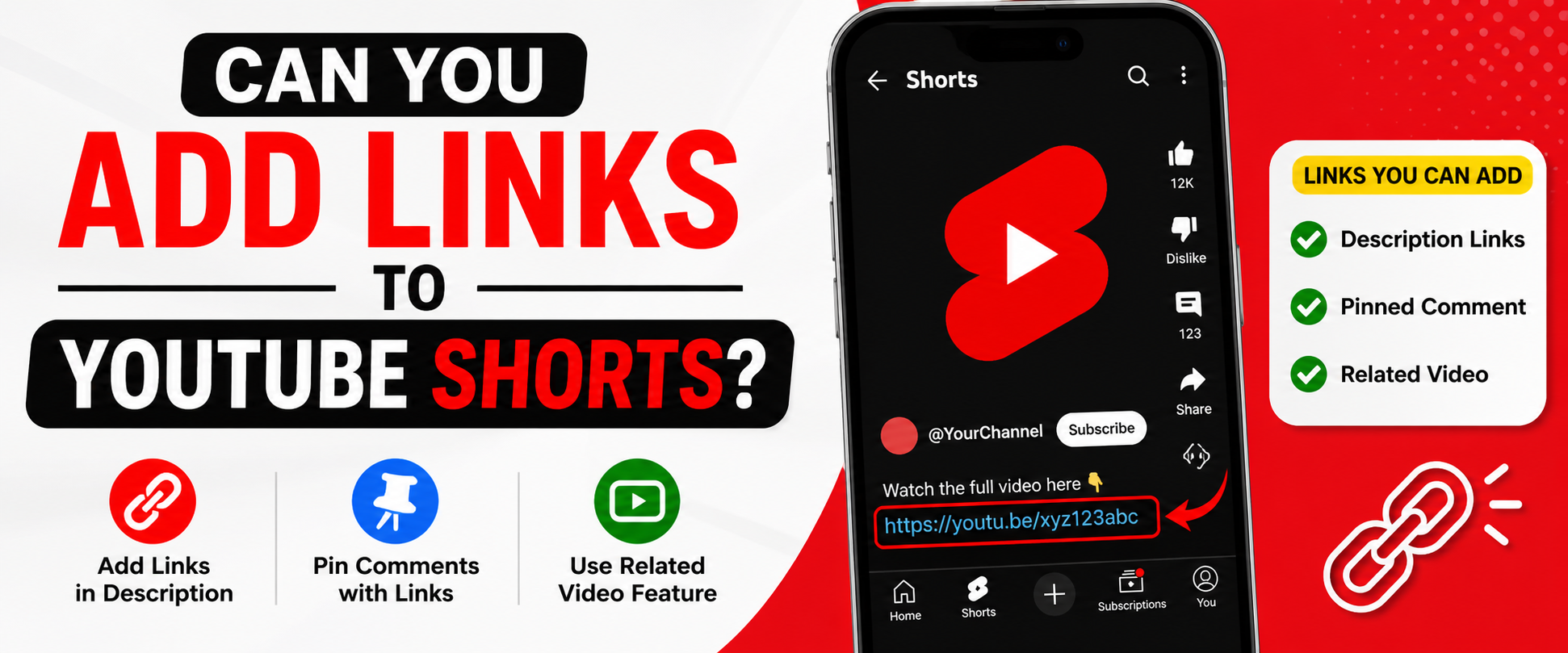
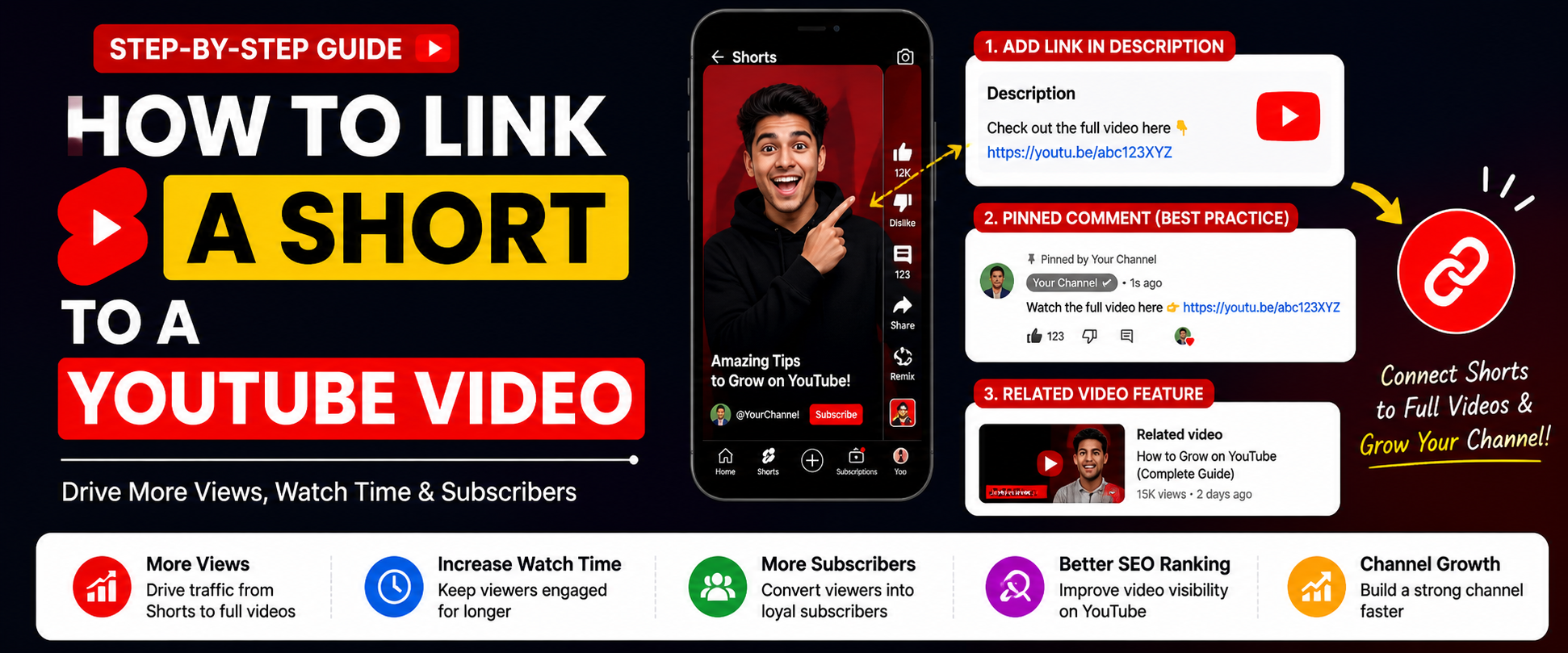
1. Add Link in Description
Steps:
- Upload your Short
- Add your long video link in the description
- Include a clear call-to-action
Example:
👉 Watch full video: https://youtube.com/yourvideo
2. Pin a Comment with Video Link
Steps:
- Open your Short
- Post your video link in the comments
- Tap “Pin Comment”
Pinned comments are highly visible and improve click rates.
3. Use Related Video Feature (Best Method)
Steps:
- Upload your Short from mobile
- Tap “Add related video”
- Select your long-form video
This feature is available in YouTube Studio and is the most effective method.
4. Add Text Overlay in Short
Use on-screen text such as:
- “Full video in description”
- “Watch complete tutorial on my channel”
This increases engagement and directs viewers clearly.
5. Use Verbal Call-To-Action
Tell viewers directly in your video:
👉 “Watch the full video—link in description!”
Best Practices for Better Results
- Hook viewers in the first 3 seconds
- Use a strong and clear CTA
- Keep content fast-paced and engaging
- Ensure Shorts match the linked video
Common Mistakes to Avoid
- Not adding any link
- Weak or missing call-to-action
- Linking unrelated videos
- Poor video quality
Advanced Strategy for Growth
Content Funnel Strategy
- Create one long video
- Break it into multiple Shorts
- Link each Short back to the main video
Use Analytics
Track performance using YouTube Studio to improve your strategy.
Conclusion
Learning how to link a Short to a YouTube video can completely transform your channel growth.
By using:
- Description links
- Pinned comments
- The related video feature
You can turn short-form viewers into long-term subscribers on YouTube.
Stay consistent, focus on quality, and always guide your audience to the next step.
FAQ
Q1: Can I add clickable links inside YouTube Shorts?
No, clickable links inside Shorts are limited. Use the description or pinned comments.
Q2: What is the best way to link a Short to a video?
The Related Video feature is the most effective method.
Q3: Can I link multiple videos in one Short?
Yes, but focusing on one main video gives better results.
Q4: Do Shorts help grow a YouTube channel?
Yes, Shorts can bring high reach and rapid subscriber growth.
Q5: Why are my Shorts not getting views?
Possible reasons include:
- Weak hook
- Low engagement
- Poor editing quality