
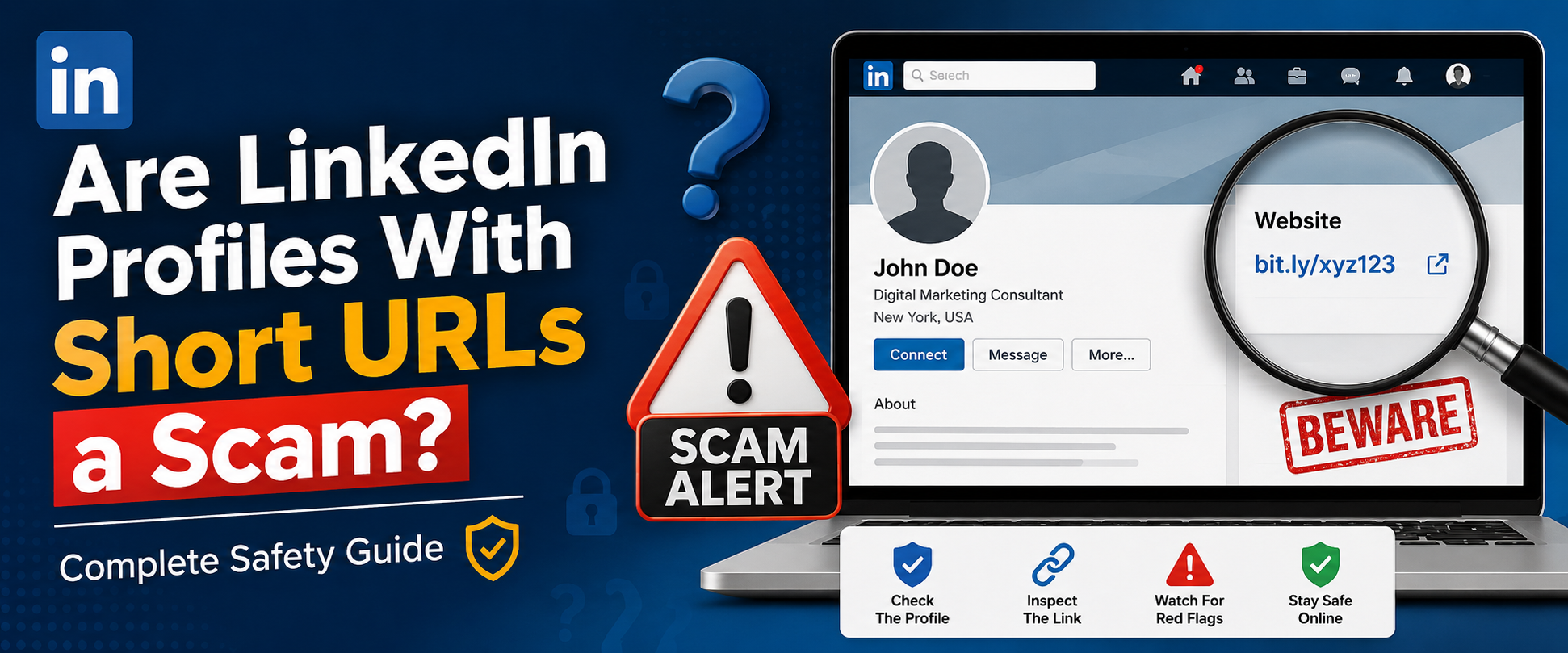
LinkedIn has become one of the most trusted professional networking platforms in the world. Millions of recruiters, job seekers, freelancers, entrepreneurs, and businesses use it daily to connect and grow professionally. However, as LinkedIn usage has increased, so have online scams.
One growing concern among users is the appearance of LinkedIn profiles that use shortened URLs. Many people wonder: are linkedin profiles with short urls a scam?
The short answer is: sometimes yes, but not always.
A short URL itself is not automatically dangerous. Many legitimate businesses and marketers use URL shorteners for branding and tracking. However, scammers also exploit short links to hide malicious websites, phishing pages, fake job offers, and malware downloads.
In this complete guide, you will learn:
- What short URLs are
- Why LinkedIn users use them
- How scammers abuse shortened links
- Warning signs of fake LinkedIn profiles
- How to stay safe online
- Best practices for sharing links on LinkedIn
- Whether short links hurt trust and SEO
- How to identify legitimate shortened URLs
By the end of this article, you will clearly understand whether LinkedIn profiles with short URLs are safe or suspicious.
What Are Short URLs?
A short URL is a compressed version of a long web address. Instead of showing a lengthy URL with many characters, a URL shortener creates a shorter and cleaner link.
Example:
Long URL:
https://examplewebsite.com/blog/how-to-improve-linkedin-marketing-strategy-2026
Short URL:
https://short-link.net/abc123
Shortened links are easier to:
- Share
- Remember
- Track
- Post on social media
- Use in marketing campaigns
Popular URL shorteners include:
- Bitly
- TinyURL
- Rebrandly
- BLINK
- Custom short domains
Businesses often use branded short links to improve professionalism and click-through rates.
Why Do LinkedIn Users Use Short URLs?
Many legitimate LinkedIn users use short URLs for practical reasons.
1. Cleaner Appearance
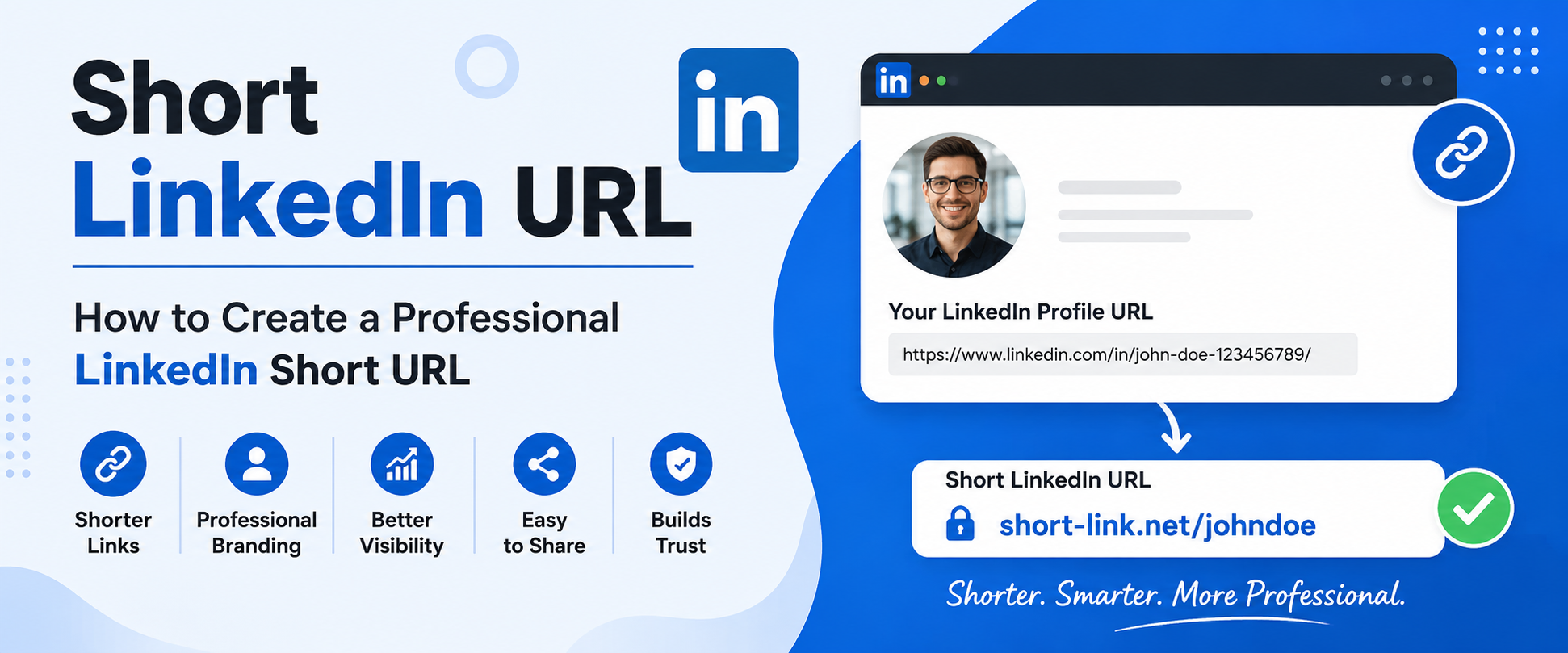
Long URLs can look messy in profiles or posts. Short links appear more professional and organized.
Example:
Instead of:
https://myportfolio.com/projects/web-development-services-for-clients
People may share:
https://short-link.net/portfolio
2. Marketing Tracking
Marketers and businesses use short URLs to monitor:
- Clicks
- Geographic traffic
- Device usage
- Campaign performance
Tracking helps businesses improve marketing performance.
3. Personal Branding
Custom short links help professionals create memorable branded links.
For example:
short-link.net/johnsmith
This looks cleaner than random long URLs.
4. Social Media Optimization
LinkedIn posts with shorter URLs often look cleaner and may encourage higher engagement.
Why People Think LinkedIn Short URLs Are Scams
The concern is understandable because scammers often hide dangerous destinations behind shortened links.
Cybercriminals know people trust LinkedIn more than random emails or unknown websites.
Scammers use LinkedIn to:
- Steal personal information
- Send phishing links
- Spread malware
- Offer fake jobs
- Conduct investment fraud
- Target professionals
Short URLs make it harder for users to immediately see the destination website.
That uncertainty creates suspicion.
Are LinkedIn Profiles With Short URLs a Scam?
Not necessarily.
A LinkedIn profile using a shortened URL is not automatically fake or malicious.
However, scammers frequently use short links because they can:
- Hide suspicious domains
- Avoid detection
- Trick users into clicking
- Redirect users multiple times
- Track victims
The key is to evaluate the entire profile and not just the URL.
Common LinkedIn Scam Tactics Using Short URLs
1. Fake Job Offers
Scammers create fake recruiter profiles and send shortened links to “job applications.”
Victims may be redirected to:
- Phishing pages
- Fake login forms
- Malware downloads
2. Cryptocurrency Investment Scams
Some scammers pretend to be successful investors or entrepreneurs.
They use shortened links leading to:
- Fake trading platforms
- Ponzi schemes
- Crypto wallet theft pages
3. Fake Business Opportunities
Scammers may offer:
- Remote work
- Affiliate programs
- Easy income opportunities
The short link often redirects to spam or payment scams.
4. Credential Theft
Users may receive messages asking them to:
- Verify accounts
- Reset passwords
- Access confidential documents
Shortened URLs hide malicious login pages.
5. Malware Distribution
Some shortened links automatically trigger:
- File downloads
- Browser exploits
- Spyware installation
This is especially dangerous on outdated devices.
Red Flags That a LinkedIn Profile May Be a Scam
If you are asking “are linkedin profiles with short urls a scam,” you should look for multiple warning signs together.
1. Newly Created Profile
Scam accounts are often recently created.
Watch for:
- Very few connections
- Little activity
- Empty work history
2. Generic Profile Picture
Scammers often use:
- AI-generated faces
- Stock photos
- Stolen images
Reverse image search tools can help verify authenticity.
3. Suspicious Messaging Behavior
Be cautious if someone:
- Pushes you to click links quickly
- Avoids video calls
- Sends repetitive messages
- Uses poor grammar
- Makes unrealistic offers
4. Unusual Short URLs
Legitimate businesses often use branded short domains.
Be suspicious of random or strange-looking domains.
Example:
Suspicious:
https://xqv7.co/offer
More trustworthy:
https://short-link.net/career-guide
5. Too-Good-To-Be-True Opportunities
Scammers commonly promise:
- Extremely high salaries
- Guaranteed returns
- Fast promotions
- Easy money
Professional opportunities rarely work this way.
How to Check Whether a Short URL Is Safe
1. Use URL Expander Tools
Several websites allow you to preview where a short link redirects before clicking.
This helps reveal the final destination.
2. Hover Before Clicking
On desktop browsers, hovering over a link may reveal the destination URL.
Always inspect carefully.
3. Check the Domain Reputation
Search the domain name online.
Warning signs include:
- No business information
- No HTTPS security
- Numerous scam reports
4. Use Security Software
Modern browsers and antivirus programs can block dangerous websites automatically.
5. Verify Through Official Channels
If a recruiter contacts you:
- Visit the company’s official website
- Verify employee profiles
- Confirm job listings independently
Never rely solely on a short URL.
Legitimate Reasons Professionals Use Short URLs on LinkedIn
Not all short URLs are suspicious.
Many professionals use them for legitimate business purposes.
Marketing Campaigns
Businesses track campaign performance using branded short links.
Portfolio Sharing
Freelancers often shorten links to portfolios or resumes.
Event Registration
Webinars and conferences commonly use short URLs.
Lead Generation
Sales professionals use short links for analytics and customer engagement tracking.
Do Short URLs Hurt Trust on LinkedIn?
Sometimes.
Users are becoming more cautious online.
Many people hesitate to click shortened links because they cannot immediately see the destination.
To improve trust:
- Use branded domains
- Add context before links
- Explain what users will see
- Avoid excessive shortening
Transparency increases credibility.
Best Practices for Using Short URLs on LinkedIn
If you use short links professionally, follow these best practices.
1. Use Branded Short Domains
Custom branded links look more trustworthy.
Example:
https://short-link.net/marketing-guide
Instead of random characters.
2. Add Context
Explain where the link goes.
Example:
“Download my free SEO checklist here.”
3. Avoid Spammy Messaging
Do not send unsolicited links aggressively.
4. Maintain a Professional Profile
A complete profile improves trust.
Include:
- Real profile photo
- Work history
- Recommendations
- Activity
5. Use HTTPS Security
Secure websites improve user confidence.
How LinkedIn Handles Scam Profiles
LinkedIn actively fights fraud and spam.
The platform uses:
- AI detection systems
- User reporting
- Automated moderation
- Security reviews
Users can report suspicious accounts directly.
LinkedIn may remove profiles involved in:
- Phishing
- Fake identities
- Malware distribution
- Financial scams
However, scammers constantly create new accounts, so user awareness remains essential.
Can Short URLs Affect SEO?
Short URLs themselves do not directly hurt SEO when implemented correctly.
However:
- Spammy shorteners may reduce trust
- Poor redirects can affect indexing
- Low-quality domains may hurt reputation
Branded short links usually perform better.
For businesses, branded URL shortening services can improve:
- Branding
- User trust
- Analytics
- Click-through rates
Are Branded Short URLs Safer?
Generally, yes.
Branded short domains are often associated with legitimate companies.
Example:
https://short-link.net/blog
looks more trustworthy than:
https://q7x2.biz/a91
Users are more likely to click recognizable domains.
How Scammers Hide Malicious Destinations
Scammers often chain redirects.
A single short link may pass through multiple websites before landing on a malicious page.
This helps evade detection systems.
Techniques include:
- URL masking
- Redirect loops
- Cloaking
- Geo-targeted redirects
That is why inspecting links before clicking is important.
Real Examples of LinkedIn Scam Scenarios
Fake Recruiter Scam
A fake recruiter contacts users with an “exclusive opportunity.”
The short link leads to a fake login page designed to steal credentials.
Executive Impersonation Scam
Scammers impersonate CEOs or executives and share shortened links to “confidential documents.”
Crypto Networking Scam
A scammer builds trust over weeks before sending a short link to a fraudulent investment platform.
How to Protect Yourself on LinkedIn
Verify Identities
Check:
- Company websites
- Employee lists
- Mutual connections
Limit Personal Information
Avoid sharing sensitive details publicly.
Enable Two-Factor Authentication
This adds extra security to your LinkedIn account.
Be Skeptical of Urgency
Scammers often pressure users to act quickly.
Avoid Downloading Unknown Files
Never download attachments from suspicious profiles.
Signs a LinkedIn Profile Is Legitimate
A real professional profile often includes:
- Consistent employment history
- Real interactions
- Mutual connections
- Recommendations
- Verified company associations
- Regular activity
Short URLs alone do not determine legitimacy.
The Psychology Behind Short URL Scams
Scammers exploit:
- Curiosity
- Urgency
- Professional trust
- Authority bias
LinkedIn feels safer than unknown platforms, which makes users more vulnerable.
Understanding these tactics helps users stay cautious.
Should You Avoid All Short URLs?
No.
Short URLs are widely used by:
- Businesses
- Marketers
- Influencers
- Recruiters
- Content creators
The important thing is evaluating the overall context.
A professional-looking short link from a verified business is very different from a suspicious message from an unknown account.
How Businesses Can Build Trust With Short Links
Companies should:
- Use branded domains
- Maintain transparent messaging
- Avoid deceptive redirects
- Clearly explain link destinations
- Keep consistent branding
Trust is critical online.
Future of URL Shortening and Online Security
As cyber threats evolve, URL shortening services are improving security with:
- Malware scanning
- Spam detection
- Reputation monitoring
- Link previews
At the same time, users are becoming more security-aware.
The future will likely involve:
- Greater transparency
- Safer redirects
- Improved verification systems
Final Verdict: Are LinkedIn Profiles With Short URLs a Scam?
The answer is nuanced.
No, not all LinkedIn profiles with short URLs are scams.
Many professionals and businesses use shortened links legitimately for branding, tracking, and cleaner sharing.
However, scammers also exploit short URLs to hide malicious websites and phishing pages.
The safest approach is to:
- Evaluate the entire LinkedIn profile
- Verify identities
- Inspect links carefully
- Avoid impulsive clicks
- Use security tools
Online safety depends more on awareness and caution than on the short URL itself.
Conclusion
If you have been wondering, “are linkedin profiles with short urls a scam,” the truth is that shortened links are simply tools. Like any tool, they can be used responsibly or maliciously.
Professional users often rely on short URLs for convenience and branding, while scammers abuse them to disguise harmful destinations.
Always pay attention to:
- Profile authenticity
- Message behavior
- Link transparency
- Website reputation
Staying informed is the best defense against online scams.
For safe, branded, and professional URL shortening solutions, visit Short Link and create cleaner, more trustworthy links for your business or personal brand.