

YouTube Shorts has exploded in popularity, becoming one of the fastest-growing content formats on the internet. With billions of daily views, creators and marketers are asking an important question:
Can you add links to YouTube Shorts?
If you're trying to drive traffic to your website, affiliate offers, or longer videos, this question becomes critical. Unlike traditional YouTube videos, Shorts come with certain limitations — especially when it comes to clickable links.
In this complete guide, you’ll learn:
- Whether you can add links to YouTube Shorts
- Where links actually work (and where they don’t)
- Proven methods to drive traffic from Shorts
- Smart strategies creators are using in 2026
- SEO tips to maximize clicks using short links
Let’s break it down step by step.
What Are YouTube Shorts?
YouTube Shorts are vertical videos (up to 60 seconds) designed for quick consumption, similar to TikTok or Instagram Reels.
Key Features:
- Vertical format (9:16)
- Up to 60 seconds duration
- Fast discovery via Shorts feed
- High viral potential
Shorts are great for:
- Growing subscribers quickly
- Increasing visibility
- Driving engagement
But when it comes to adding links, things get tricky.
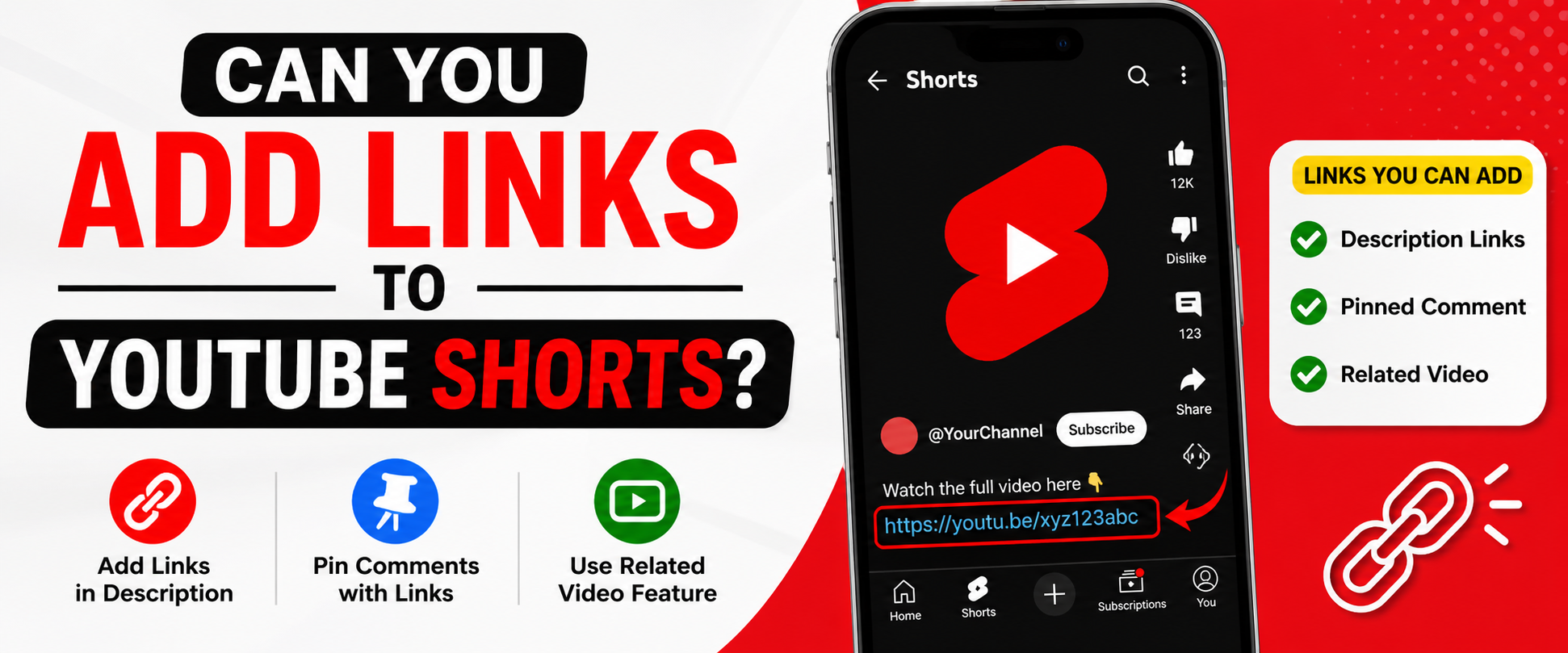
Can You Add Links to YouTube Shorts? (Short Answer)
No, you cannot add clickable links directly inside YouTube Shorts videos or captions.
Unlike regular YouTube videos, Shorts currently do NOT support:
- Clickable links in captions
- Clickable links inside video overlays
- External links in the Shorts player
However, that doesn’t mean you can’t drive traffic.
Where Can You Add Links in YouTube Shorts?
Even though Shorts themselves don’t allow clickable links, you can still use indirect methods.
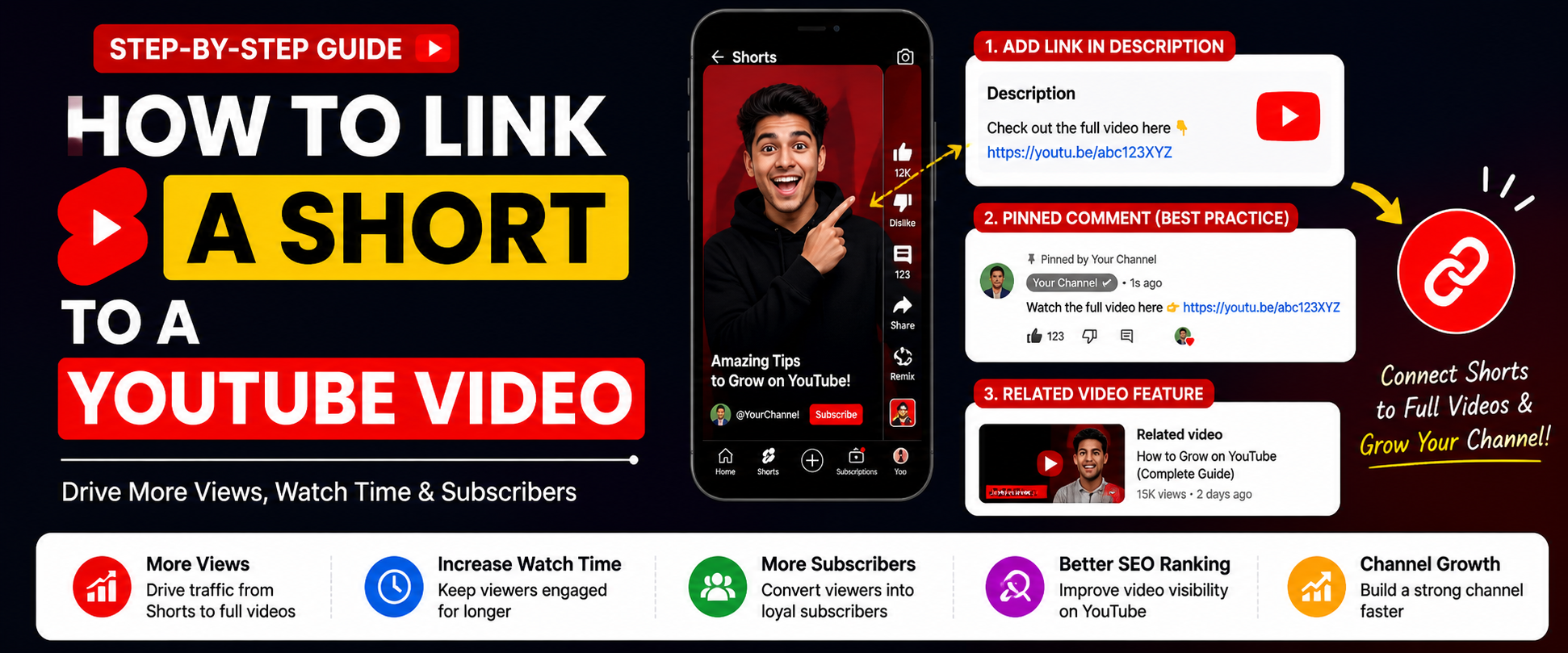
1. Description Section
You can add links in the description of your Short.
Important:
- Links here are not clickable inside the Shorts feed
- Users must open the video fully to access them
👉 Still useful for SEO and visibility.
2. Comments Section (Pinned Comment Strategy)
One of the most effective methods.
How it works:
- Post your link in the comments
- Pin it to the top
Example:
“Get the full guide here 👉 https://short-link.net/example”
This increases visibility and encourages clicks.
3. Channel Bio Link
You can place a clickable link in your channel profile.
Strategy:
- Tell viewers: “Link in bio”
- Add your URL in channel description
4. YouTube Shorts Linking Feature (New Update)
YouTube has introduced a feature where you can link Shorts to long-form videos.
This is currently the only native clickable link feature inside Shorts.
Benefits:
- Drive traffic to monetized videos
- Increase watch time
- Grow channel faster
How to Add a Link to a YouTube Short (Step-by-Step)
Method 1: Add Link in Description
- Upload your Short
- Go to description
- Paste your link
- Add CTA like:
- “Visit here”
- “Check link below”
Method 2: Use Pinned Comment
- Publish your Short
- Comment your link
- Click “Pin Comment”
Method 3: Link to Long Video
- Upload a Short
- Choose “Related Video” option
- Select your long-form content
Why You Should Use Short Links (Very Important)
Long URLs look messy and reduce trust.
This is where tools like your website come in.
Benefits of Using Short Links:
- Clean and professional
- Higher click-through rates
- Easy to remember
- Trackable (analytics)
Example:
Instead of:
https://example.com/how-to-make-money-online-2026-guide-long-urlUse:
https://short-link.net/moneyBest Strategies to Drive Traffic from YouTube Shorts
1. Use Strong Call-To-Actions (CTA)
Tell viewers exactly what to do.
Examples:
- “Check the link in comments”
- “Full video in description”
- “Visit link in bio”
2. Create Curiosity
Don’t give full information in the Short.
Instead:
- Tease content
- Create a gap
- Push users to click
3. Combine Shorts + Long Videos
This is one of the most powerful strategies.
Process:
- Create Short → attract audience
- Link to long video → monetize
4. Use Branded Short Links
Using your own domain like:
👉 short-link.net/example
Builds:
- Trust
- Brand awareness
- Recognition
5. Optimize Your Profile
Your channel should:
- Have clear bio
- Include your main link
- Match your niche
Common Mistakes to Avoid
❌ Adding links without CTA
Users won’t click if you don’t guide them.
❌ Using long messy URLs
Reduces trust and clicks.
❌ Ignoring pinned comments
You’re missing a major opportunity.
❌ Not linking to long videos
Losing monetization potential.
Advanced Growth Hacks (2026 Strategy)
🔥 1. Funnel Strategy
Short → Long Video → Website
This creates a full traffic funnel.
🔥 2. Multi-Link Landing Pages
Instead of one link, use:
- Link hub
- Bio page
🔥 3. Analytics Tracking
Track:
- Clicks
- Traffic sources
- Conversions
🔥 4. A/B Testing Links
Test:
- Different CTAs
- Different placements
- Different URLs
SEO Tips for YouTube Shorts Links
To maximize results:
Use Keywords in:
- Title
- Description
- Hashtags
Example:
- #YouTubeShorts
- #LinkInBio
- #ShortsMarketing
Add Searchable Descriptions
Even though Shorts are short-form, descriptions still matter.
Use Engaging Titles
Example:
- “You’re missing THIS YouTube Shorts trick!”
- “How I get traffic from Shorts (Secret Method)”
Monetization Tips Using Links
You can use Shorts to promote:
- Affiliate products
- Digital products
- Websites
- Services
Example Funnel:
- Short goes viral
- User clicks link
- Lands on website
- Converts
Future of Links in YouTube Shorts
YouTube is evolving rapidly.
Expected updates:
- More clickable link features
- Shopping integrations
- Affiliate integrations
Creators who adapt early will win.
Conclusion
So, can you add links to YouTube Shorts?
👉 Not directly inside the video — but yes, indirectly through smart methods.
If you use:
- Descriptions
- Pinned comments
- Channel links
- Related videos
You can still drive massive traffic.
The key is strategy — not just posting links, but guiding users to click them.
FAQ (Frequently Asked Questions)
Can you put clickable links in YouTube Shorts?
No, not directly inside the Shorts player.
Where should I place links in Shorts?
Best places:
- Description
- Pinned comments
- Channel bio
Do links in Shorts description work?
Yes, but users must open the full video.
What is the best way to drive traffic from Shorts?
Use:
- Pinned comments
- Strong CTA
- Short links
Can I link Shorts to a website?
Yes, but indirectly using the methods above.
Final Tip
If you’re serious about growing traffic:
👉 Combine YouTube Shorts + Short Links + Smart CTAs
That’s the winning formula in 2026.